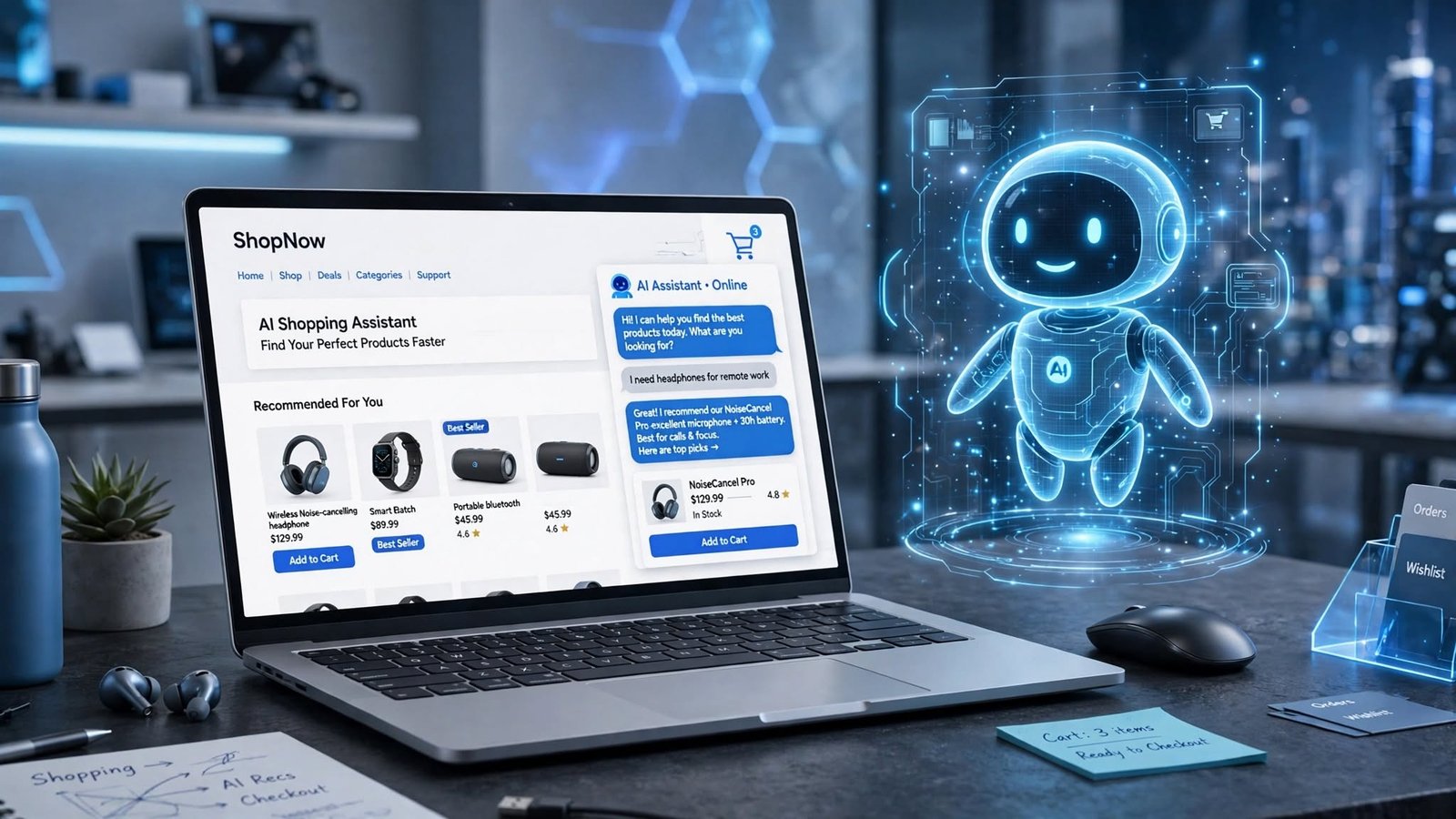
How to Add an AI Chatbot to Your Shopify Store in 2026 (Step-by-Step Guide)
SEO Title: How to Add an AI Chatbot to Shopify Store in 2026
Focus Keyword: AI chatbot for Shopify
URL Slug: ai-chatbot-shopify
Meta Description: Learn how to add an AI chatbot to your Shopify store in 2026. Discover the best tools, setup steps, benefits, and tips to improve customer support.
Category: Shopify / Ecommerce
Tags: AI Chatbot, Shopify, Shopify AI, Ecommerce, Customer Support, Online Store
Have you ever visited an online store and needed help, but nobody was available to answer your question?
Maybe you wanted to know when your order would arrive. Or perhaps you needed help choosing the right product.
Now imagine having a helper on your website that can answer these questions at any time.
That is what an AI chatbot for Shopify can do.
An AI chatbot can talk to your visitors, answer common questions, help shoppers find products, and support customers even when you are away.
The good news? You do not need to be a programmer to add one to your Shopify store.
In this guide, you will learn what an AI chatbot is, how it works, which tools you can use, and how to add one to your store step by step.
What Is an AI Chatbot for Shopify?
An AI chatbot is a small chat assistant that appears on your online store.
Visitors can type questions into the chat box and receive answers automatically.
For example, a customer might ask:
- Do you offer free shipping?
- Where is my order?
- Can I return this product?
- What size should I buy?
- Do you have this product in another color?

The chatbot reads the question and provides an answer using the information available to it.
A basic chatbot may only provide fixed answers. An AI chatbot can understand different ways of asking the same question and respond in a more natural way.
For example:
Customer: How long does delivery take?
AI Chatbot: Delivery usually takes 3–5 business days. You can check the shipping policy for more details.
This can make shopping easier for customers and save store owners time.
Why Does Your Shopify Store Need an AI Chatbot?
Running an online store means answering questions, managing orders, and helping customers.
These tasks can take a lot of time, especially when your store receives many messages.
An AI chatbot can help with some of this work.
Here are five important benefits.
1. Answer Customer Questions 24/7
Your store can receive visitors at any time.
Some people shop in the morning, while others visit your website late at night.
You cannot always be available to answer every question.
An AI chatbot can answer common questions even when your team is offline.
2. Help Customers Find Products
Sometimes visitors do not know which product they need.
An AI chatbot can ask simple questions about their needs and suggest suitable products from your catalog.
For example:
Customer: I need a laptop bag for daily office use.
AI Chatbot: Are you looking for a small bag or one that can also carry accessories?
The chatbot can then guide the customer toward relevant products.
3. Reduce Repeated Messages
Many online stores receive the same questions every day.
Common examples include:
- What are your delivery charges?
- How can I track my order?
- What is your return policy?
- Do you accept cash on delivery?
Instead of answering every question manually, you can let your chatbot handle common inquiries.
4. Improve the Shopping Experience
Customers want quick and clear answers.
If they cannot find the information they need, they may leave your store.
A helpful chatbot can make it easier to understand products, delivery options, and store policies.
However, it should always give customers an option to contact a real person when needed.
5. Save Time for Small Business Owners
Small business owners often handle many jobs themselves.
They manage products, orders, marketing, customer messages, and other tasks.
An AI chatbot can help reduce repetitive customer support work.
This gives you more time to focus on growing your business.
Best AI Chatbot Tools for Shopify in 2026
You do not need to build a chatbot from scratch.
Several tools can connect with Shopify and help you automate customer conversations.
Here are some options worth exploring.
1. Shopify Inbox
Shopify Inbox is a messaging app made for Shopify merchants.
It allows store owners to chat with customers directly from their Shopify store.
You can use it to:
- Answer customer questions.
- Send product recommendations.
- See what customers have in their carts.
- Create automated messages.
- Manage conversations from one place.
It is a good starting point for small businesses because the app is free.
Website: https://www.shopify.com/inbox
2. Tidio
Tidio offers live chat and AI-powered customer support features.
It can help businesses answer common questions, manage customer conversations, and automate parts of their support process.
Useful features include:
- Website live chat.
- AI customer support.
- Automated replies.
- Customer conversation management.
- Shopify integration.
Tidio can be useful for stores that want more customer support features in one platform.
Website: https://www.tidio.com/
3. Gorgias
Gorgias is a customer support platform designed for ecommerce businesses.
It brings customer messages from different channels into one place.
Its features can help teams:
- Manage customer support tickets.
- Answer common questions.
- View customer and order information.
- Automate selected support tasks.
- Connect with Shopify.
It may be more suitable for growing stores with a larger support workload.
Website: https://www.gorgias.com/
4. Tawk.to
Tawk.to is a live chat platform that businesses can use to communicate with website visitors.
It offers a free live chat option and tools for managing customer conversations.
It can help you:
- Chat with website visitors.
- Manage support conversations.
- Create shortcuts for common replies.
- Monitor visitor activity.
It is worth considering if you mainly need a simple way to talk to customers.
Website: https://www.tawk.to/
Important: Features, free plans, pricing, and Shopify integrations can change. Check each provider’s current plan before installing a tool.

How to Add an AI Chatbot to Your Shopify Store
Now let’s look at the setup process.
You do not need advanced coding skills for most Shopify chatbot apps.
Follow these steps.
Step 1: Open Your Shopify Admin
First, log in to your Shopify account.
Open your Shopify dashboard and find the Apps section.
From there, you can visit the Shopify App Store and search for a chatbot app.
You can also visit:
Step 2: Choose a Chatbot App
Search for an AI chatbot that matches your business needs.
Before installing anything, check:
- Shopify compatibility.
- Customer support features.
- AI response capabilities.
- Monthly pricing.
- Customer reviews.
- Data and privacy policies.
Do not choose an app only because it has many features.
Start with a tool that solves your main problem.
Step 3: Install the App
Once you select an app, open its Shopify App Store page.
Click the installation option and follow the instructions.
Shopify may ask you to approve the app’s requested permissions.
Read those permissions before accepting them.
After installation, open the app from your Shopify admin.
Step 4: Add Your Store Information
This is one of the most important steps.
Your chatbot needs accurate information to answer customers correctly.
Add information such as:
- Store name and contact details.
- Product descriptions.
- Shipping information.
- Return and refund policies.
- Payment methods.
- Frequently asked questions.
- Customer support hours.
For example, if your store delivers within 3–5 business days, make sure that information is clearly available to the chatbot.
Do not allow the chatbot to guess delivery times, discounts, or refund rules.
Step 5: Customize the Chat Widget
The chat widget is the small chat box customers see on your website.
Customize it to match your store’s design.
You may be able to change:
- Chat button color.
- Welcome message.
- Chat window position.
- Brand name.
- Profile image.
- Language.
A simple welcome message could be:
“Hi! Welcome to our store. How can I help you today?”
Keep the message friendly and short.
Step 6: Train and Test Your AI Chatbot
Before showing the chatbot to every visitor, test it.
Ask questions that real customers might ask.
For example:
Question 1: How long does shipping take?
Question 2: Can I return a product?
Question 3: Do you offer cash on delivery?
Question 4: How can I track my order?
Question 5: Can I speak to a human?
Check whether the chatbot gives correct answers.
If it provides incorrect information, update your store information or chatbot instructions.
Step 7: Enable the Chatbot on Your Store
Once everything works correctly, enable the chat widget on your Shopify storefront.
Visit your website and test it like a normal customer.
Check that:
- The chat button is visible.
- The chat window opens correctly.
- Answers are accurate.
- The widget works on mobile.
- Customers can reach a human when needed.
Your AI chatbot is now ready to help visitors.
What Should Your Shopify AI Chatbot Be Able to Do?
A chatbot does not need to perform every task.
Start with a few useful features and expand later.
Here is a simple example of what your chatbot can handle.
| Customer question | What the chatbot should do |
|---|---|
| Where is my order? | Guide the customer to order tracking or retrieve the status if connected |
| What are your shipping charges? | Explain the published shipping policy |
| Can I return this item? | Explain the store’s return policy |
| Which product should I buy? | Recommend relevant products from the catalog |
| Do you offer discounts? | Share only active and verified offers |
| Can I speak to a person? | Transfer or direct the customer to human support |
Remember: an AI chatbot should not invent order updates, promise refunds, or create discounts without permission.

Common Mistakes to Avoid When Using an AI Chatbot
An AI chatbot can improve customer support, but poor setup can create problems.
Avoid these common mistakes.
1. Giving the Chatbot Incorrect Information
If your shipping policy is outdated, the chatbot may share the wrong delivery information.
Keep your store details updated.
2. Making the Chatbot Too Complicated
Customers usually want quick answers.
Do not make them answer ten questions just to find a product or understand a return policy.
Keep conversations simple.
3. Not Offering Human Support
AI cannot solve every problem.
Customers should be able to contact a real person when their issue is complicated or urgent.
4. Ignoring Mobile Users
Many people shop using their phones.
Test the chatbot on mobile devices to make sure it does not cover important buttons or make the website difficult to use.
5. Not Checking Chatbot Performance
Installing a chatbot is not the end of the job.
Review customer conversations regularly.
Look for incorrect answers, unanswered questions, and conversations that need human support.
Use this information to improve your chatbot over time.
Is an AI Chatbot Worth It for a Small Shopify Store?
Yes, an AI chatbot can be useful for a small Shopify store, but you should choose the right tool for your needs.
If you receive only a few customer messages each day, a free live chat tool may be enough.
If you receive repeated questions about orders, shipping, and products, an AI-powered support tool may save more time.
Start small.
Choose one tool, add your store information, test common questions, and check whether it actually helps your customers.
You do not need an expensive chatbot to get started.
Frequently Asked Questions (FAQs)
1. Can I add an AI chatbot to Shopify?
Yes. You can add an AI chatbot to Shopify by installing a compatible app from the Shopify App Store and following its setup instructions.
2. What is the best AI chatbot for Shopify?
The best option depends on your needs. Shopify Inbox is a useful free starting point, while tools such as Tidio and Gorgias offer additional customer support features.
3. Is there a free AI chatbot for Shopify?
Shopify Inbox is free to use for Shopify merchants. Some other chatbot providers also offer free plans or trials, but their AI features may have separate limits or charges.
4. Can an AI chatbot track Shopify orders?
Some chatbot apps can retrieve order information when connected to the correct Shopify data and permissions. Others simply guide customers to the store’s order tracking page.
5. Can a Shopify chatbot recommend products?
Yes. Some AI chatbots can use your product catalog to suggest relevant items based on a customer’s needs and questions.
6. Do I need coding skills to add a Shopify chatbot?
No. Many Shopify chatbot apps can be installed and configured without coding. Some advanced custom features may require technical help.
7. Can an AI chatbot replace customer support staff?
Not completely. AI can handle common questions, but human support is still important for complaints, complex orders, refunds, and sensitive customer issues.
Final Thoughts
An AI chatbot can make your Shopify store easier to manage.
It can answer common questions, guide customers toward products, and provide support when you are not available.
The best approach is to start with a simple chatbot and give it accurate store information.
Test its answers, monitor customer conversations, and improve it over time.
A helpful chatbot should make shopping easier for your customers—not make things more confusing.
If you run a Shopify store, now is a good time to explore how AI can improve your customer support.